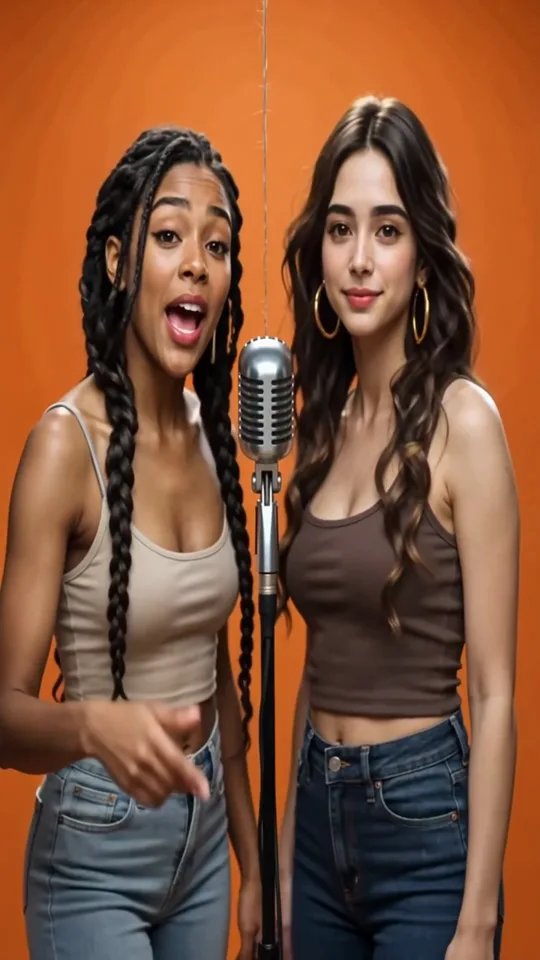
Best friends · Orange Booth
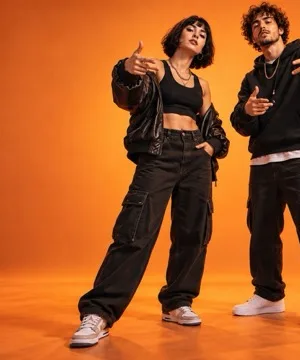
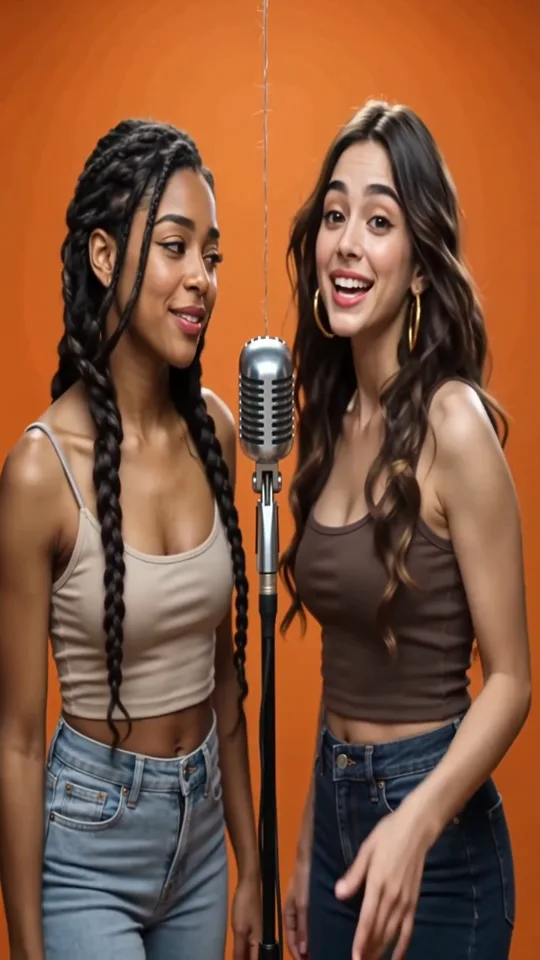
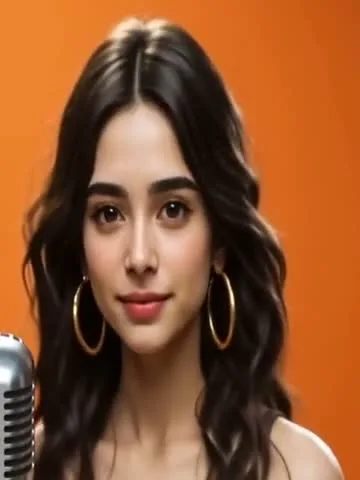
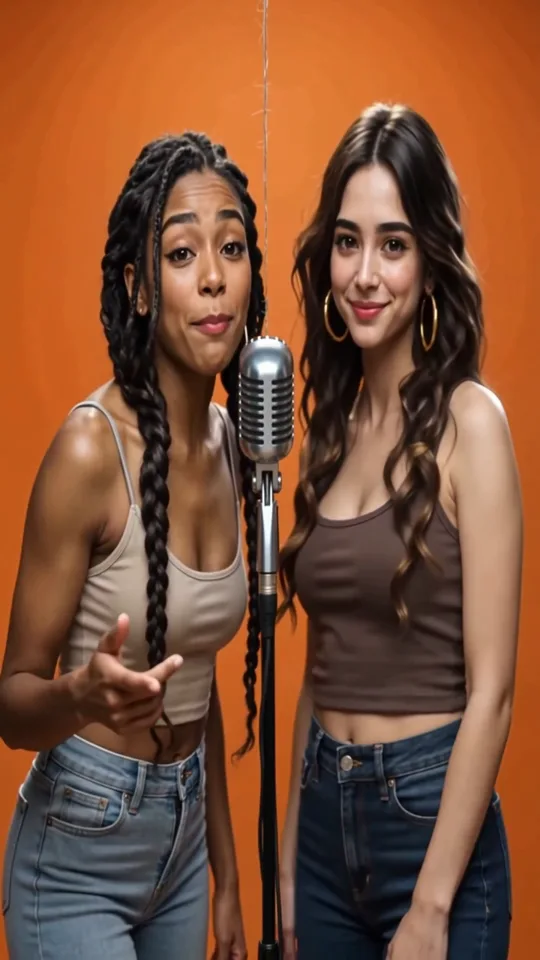
Two best friends trade lines at one mic on the bright orange backdrop, the classic Hotel Lobby look. About 12 seconds, vertical 9:16.
The viral Hotel Lobby trend
Upload two selfies, or one photo of you both, and AI puts you side by side in the orange booth, rapping an original verse with lip-sync on both faces. Ready in about 2–3 minutes.
1Add two photos — one person each
Front-facing, well-lit selfies work best. One face per photo — they don't need to be taken together.
2Pick a stage
By creating, you confirm you have permission to use both photos.
Examples
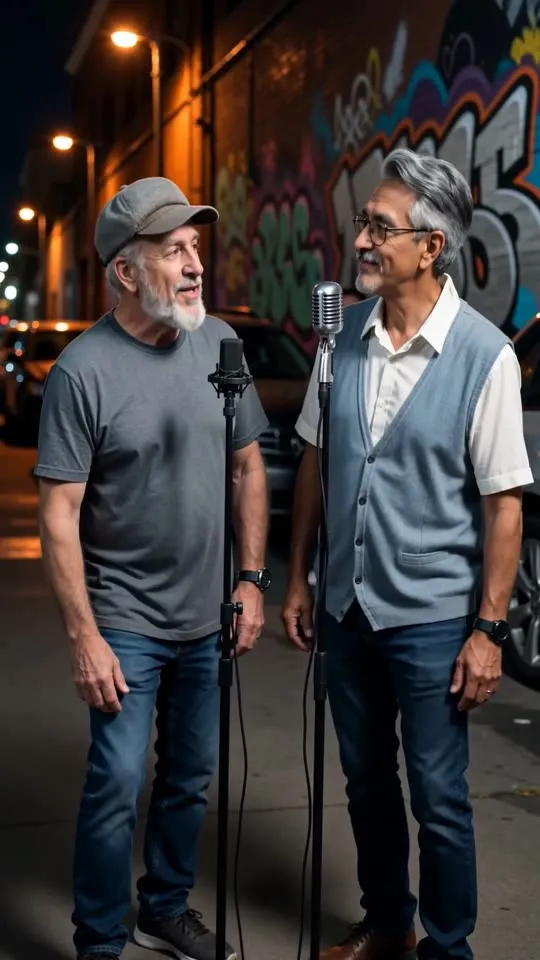
The first three were made on the Orange Booth stage, the orange backdrop and hanging mic of the Hotel Lobby trend. The rest show the other stages you can switch to. Every clip started as photos and one click.
Two best friends trade lines at one mic on the bright orange backdrop, the classic Hotel Lobby look. About 12 seconds, vertical 9:16.
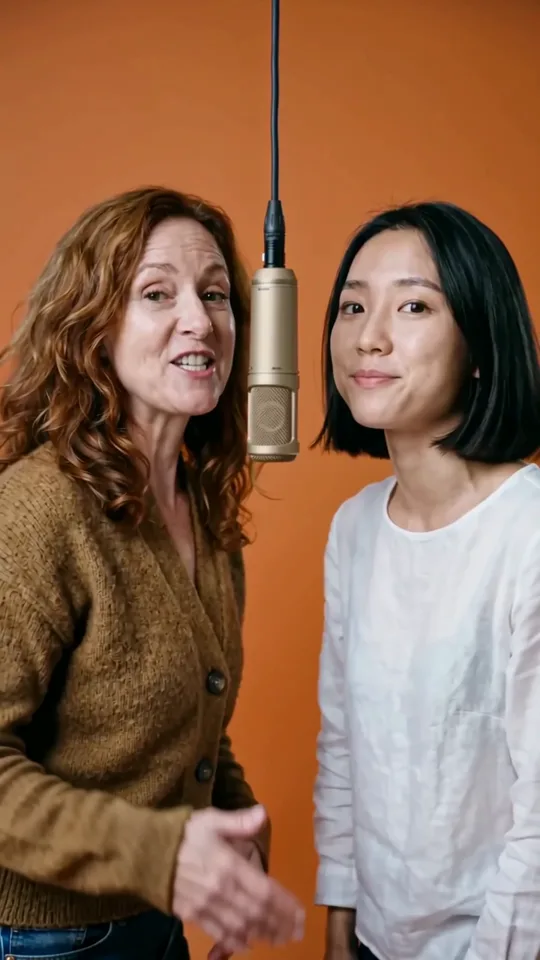
Two coworkers from different generations rap under the hanging mic. A farewell or work-anniversary video for the team chat.
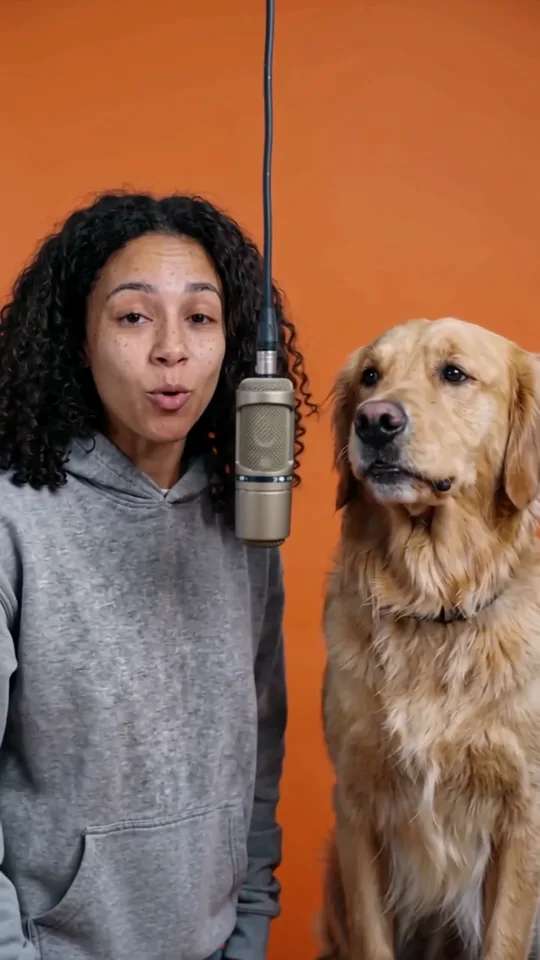
A woman and her golden retriever share the hanging mic on the orange backdrop, and the dog stays a recognizable golden retriever for the whole clip. About 4 seconds, vertical 9:16.
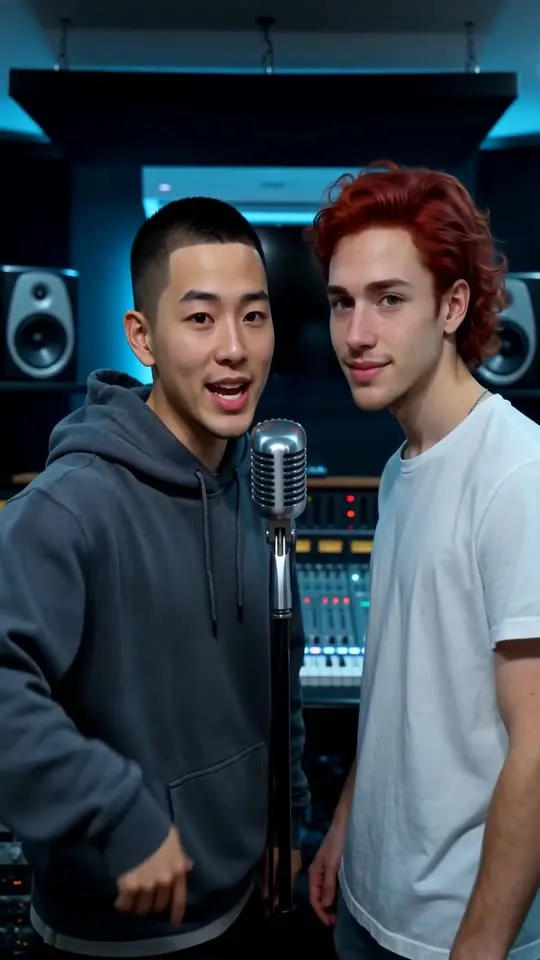
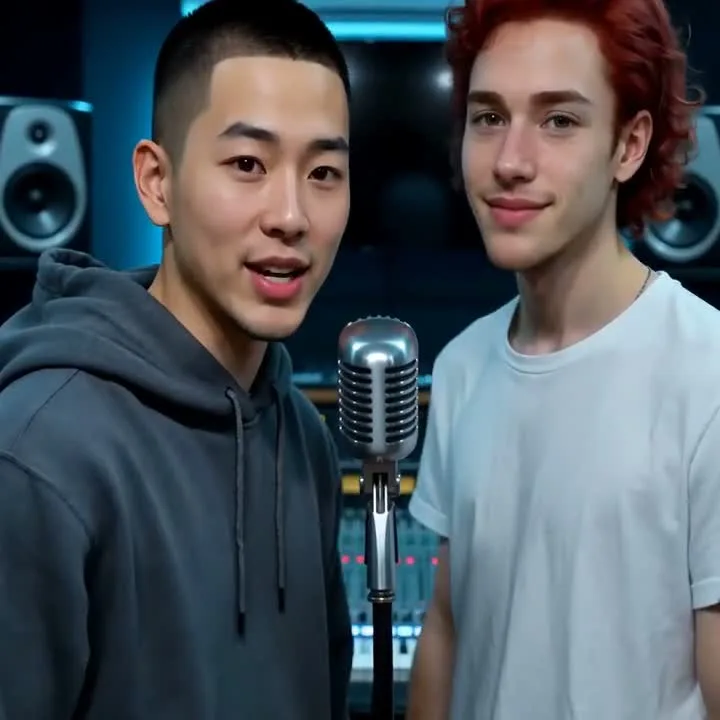
A roommate roast in a recording booth with monitor speakers and a mixing desk. Both faces stay recognizable while the verse passes back and forth.
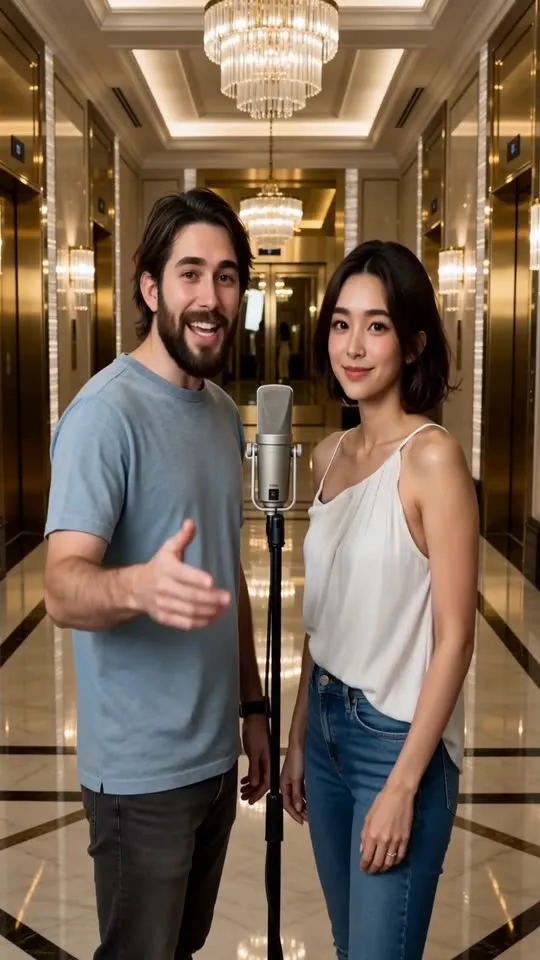
A couple performs in a marble lobby under crystal chandeliers. A fun anniversary or date-night post that looks nothing like a phone recording.
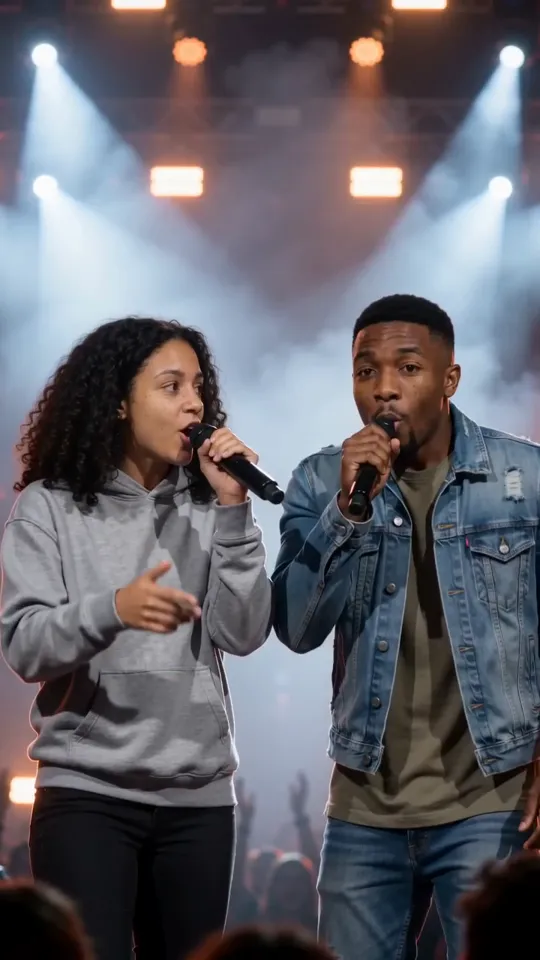
Two friends with handheld mics on an arena stage, spotlights and haze behind them. A 5-second clip that already feels like a headline set.
Examples are unedited AI output. Results depend on photo quality, and the same photos can be run again on a different stage.
The trend
A Hotel Lobby AI video is a short clip of two people rapping side by side in a bright orange booth under one hanging microphone, made from photos instead of filmed. The format took over TikTok and Instagram Reels in September 2026. It copies the look of a 2022 live performance filmed in an orange studio booth and takes its name from the title of the song in that clip, not from a real hotel: nothing in the video happens in a lobby.
Early versions swapped two faces onto the original footage. People soon cast everyone in the booth: best friends, couples, grandparents, coworkers and even their cats and dogs. The joke is the same every time: someone you know delivering bars with total confidence.
This page makes the video differently. It doesn't paste your faces onto the original clip or use the original song. The AI generates a new performance of your two people in an orange booth, with an original beat and two rap voices, so the whole video is yours.
How it works
To make a Hotel Lobby AI video: add two selfies or one photo of you both, keep the Orange Booth stage and press Generate. The clip is ready in about 2–3 minutes, with nothing to film, no clip to download and no song to find.
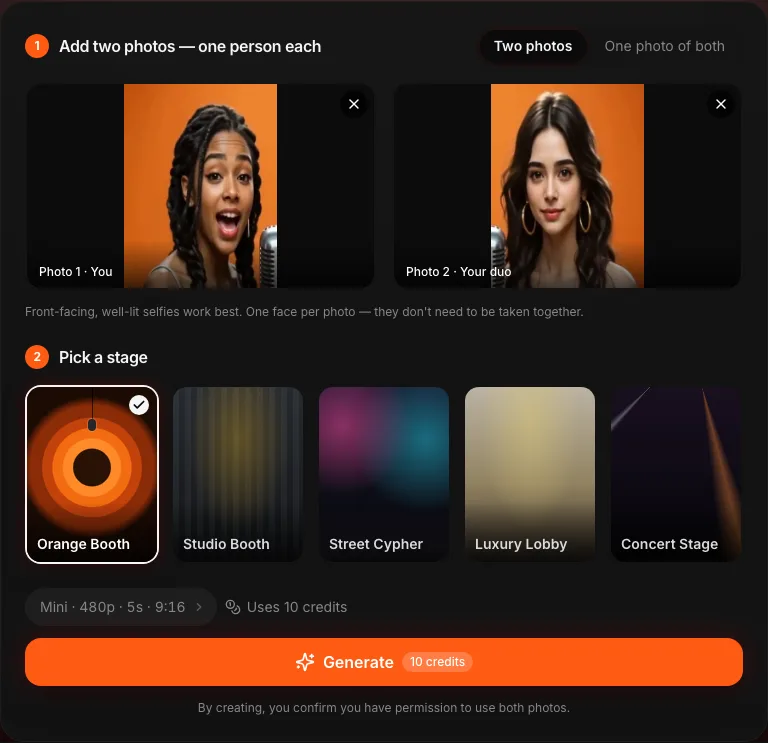
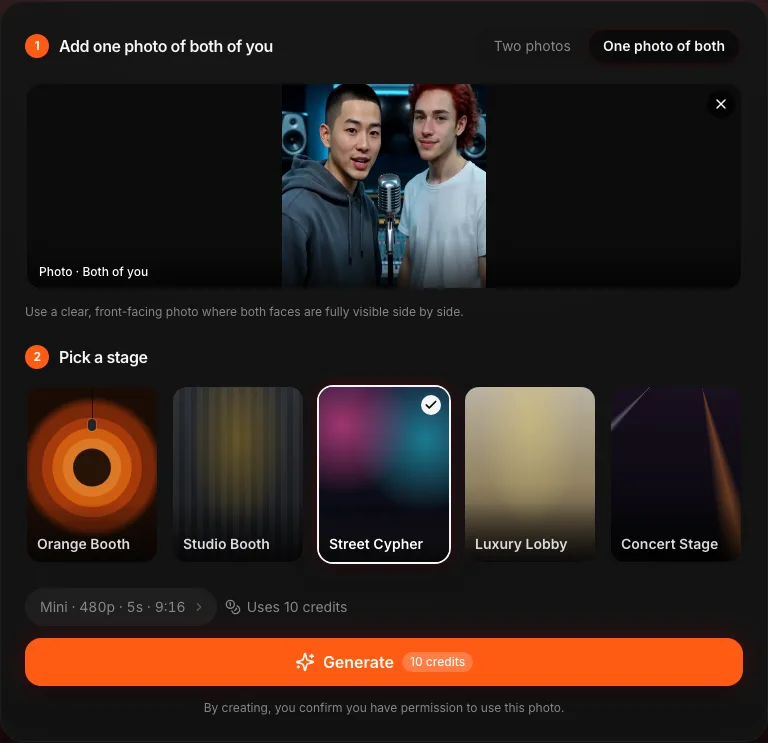
Upload one selfie per person: the first photo becomes the performer on the left, the second the one on the right. The photos don't need to be taken together, so a friend in another city works just as well. Only have a photo of the two of you? Switch to One photo of both and upload that instead. JPG, PNG and WebP files up to 20 MB all work.
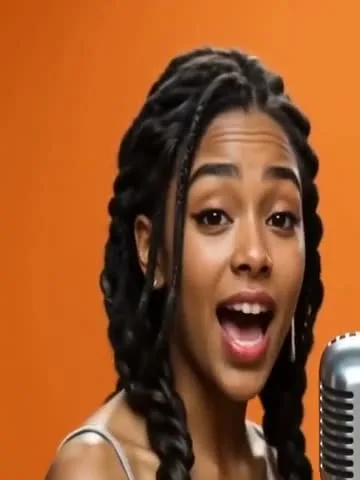
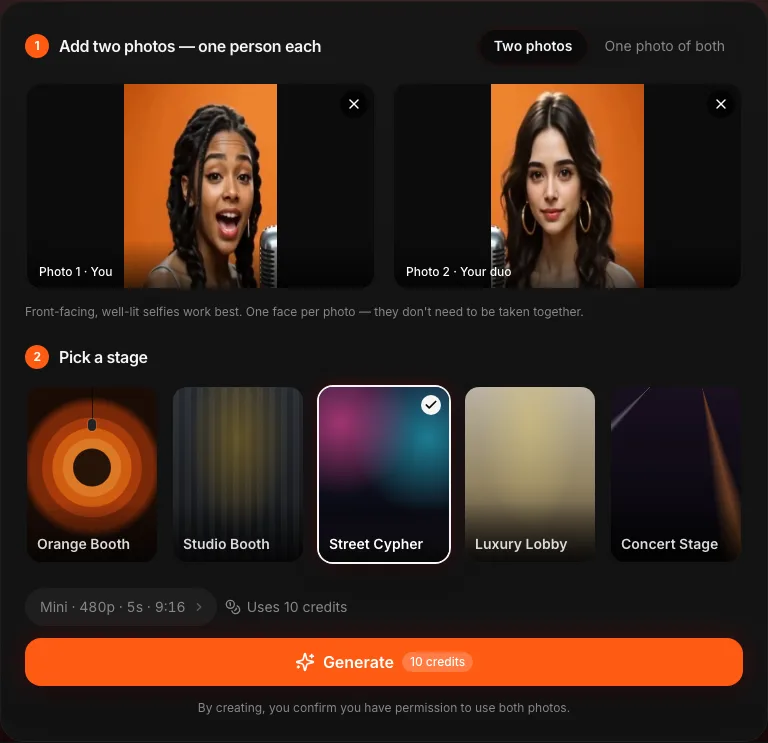
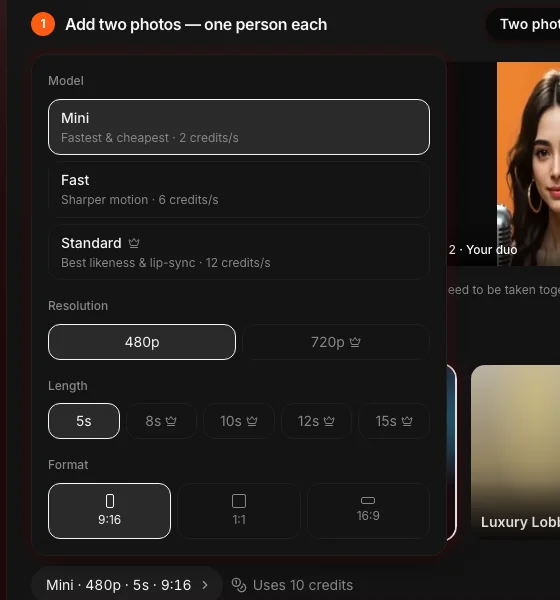
The Orange Booth stage is the Hotel Lobby look, and it's already selected: orange backdrop, soft light, one mic hanging between you. Don't be misled by the name of the Luxury Lobby stage. That one puts you in a real hotel lobby with marble floors and a chandelier, not the orange booth from the trend. Open the settings capsule if you want a different length (5 to 15 seconds), resolution (480p or 720p) or format; the default 12 seconds in vertical 9:16 matches the trend.
Sign in and press Generate. Most videos are ready in 2–3 minutes, and you can leave the page while it renders: the video waits in your History tab. Your first preview costs nothing: a 5-second clip at 480p with a watermark, so you can see your duo in the booth before you pay. Unlock the full video with a paid plan to get up to 15 seconds in 720p without a watermark, then post it with #hotellobby. If a render fails, the credits go back to your balance automatically.
Compare
This generator makes a new performance instead of a face swap. Most Hotel Lobby tools paste your faces onto the original clip, usually with the original song; here's how the two approaches compare.
| AI Rap Duo | Face-swap apps | General AI video tools | |
|---|---|---|---|
| Where the video comes from | A new performance generated from your photos | Your faces pasted onto the original footage | Generated from a scene description you write |
| Where the audio comes from | An original AI beat and two rap voices | Usually the original song | Often none; you add audio yourself |
| What you need to write | Nothing: photos and a stage | Nothing | A long, detailed prompt |
| Photos accepted | Two selfies or one photo of both | Usually two face photos | Reference images, where supported |
| Other looks | Five stages, from the orange booth to a concert stage | The original clip only | Whatever you can describe |
| App to install | No, it works in the browser | Usually a phone app | Varies by tool |
Posting rules differ by platform. Because the audio is generated new, there's no third-party song in your video, but the people in it still need to be people who agreed to appear.
Answers about the trend, your photos, the song and posting.
Your turn
Two selfies or one photo of you both, the Orange Booth, and a few minutes of waiting. Post it while the trend is still going.
Make my Hotel Lobby video